
7 Home Office Lighting Mistakes That Can Make the Workday Less Comfortable
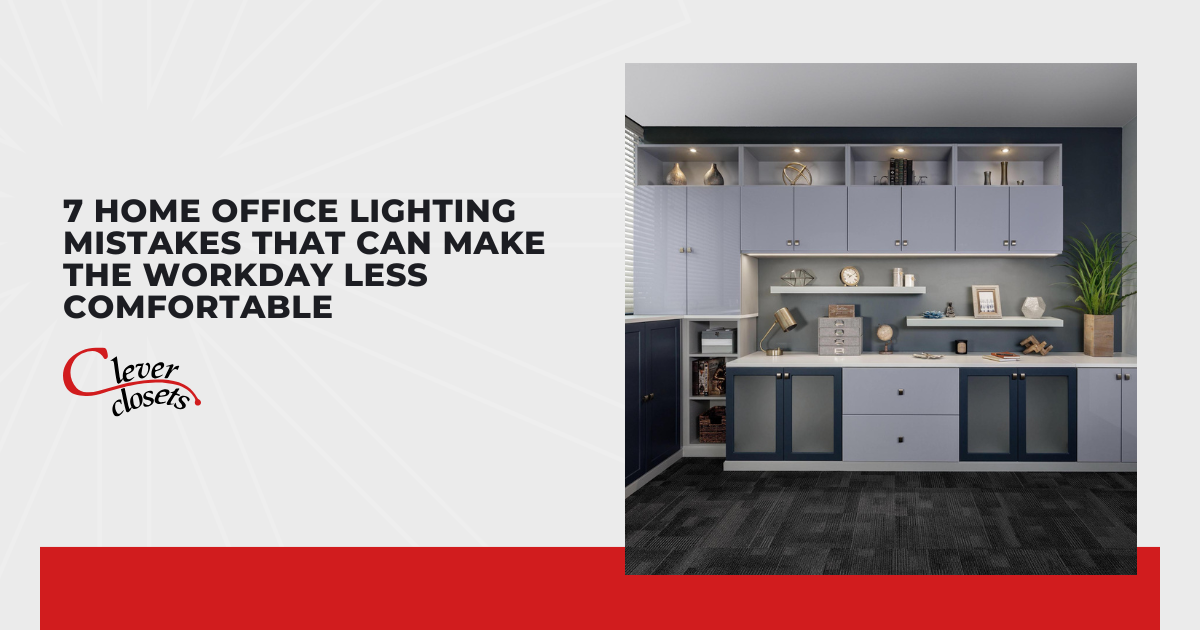
Working from home puts a lot of pressure on your setup, and your home office lighting is one part that's easy to get wrong without realizing it. Most people spend a lot of time picking the right desk or chair, but the lighting barely gets a second thought. I pay close attention to it because even a well-organized space can feel draining when the light works against you.
Common lighting mistakes tend to show up in ways that are frustratingly subtle. Glare hitting your screen at the wrong angle, shadows landing where you need to focus most, or bulbs that cast a color tone that strains your eyes are some issues that quietly wear you down throughout the day. Each one on its own might seem minor, but together they can make your workday noticeably less comfortable.
Before the next round of afternoon headaches and eye strain sets in, take a look at the seven lighting slip-ups that can turn a good home office into a tiring one:
- Relying only on overhead lighting
- Placing your desk so screen glare takes over
- Skipping natural light (or fighting it the wrong way)
- Choosing the wrong color temperature for your bulbs
- Forgetting task lighting where you actually work
- Letting shadows fall across your workspace
- Ignoring dimmers and adjustable options
Each mistake I cover points to a practical change that can make your home office lighting more comfortable throughout the workday.
Relying Only on Overhead Lighting
Overhead fixtures feel like the obvious choice, so most people stop there and call it done. One ceiling light rarely covers everything you do at a desk, and it tends to wash the room in flat, even brightness that hides no shadows but supports no real focus either. Your eyes end up straining to bridge the gap between a bright ceiling and a dim desk surface.
Flat overhead light doesn't shift with you, and your tasks don't stay the same either. Reading printed notes, reviewing fine details, or working under time pressure all pull your eyes differently across the day. I've noticed that rooms relying on one source tend to feel heavier by afternoon, even when people can't quite name why.
Think of your ceiling fixture as the base layer, not the whole system. When you add other sources around it, you fill the gaps that overhead light leaves behind and give your eyes softer, steadier conditions. Next, let's look at where your screen fits into all of this.
Setting Up Your Desk Where Screen Glare Hits Hardest
Screen glare sneaks up on people because it feels like a small annoyance until it turns into a daily headache. When a window or bright fixture sits behind or directly across from your monitor, reflections bounce right back into your eyes. You squint, lean in, and tire out faster without ever connecting it to your desk position.
Before you settle on a spot, it helps to test how light hits your monitor at different times of day. I always tell people that a few inches of repositioning can solve what looks like a bigger comfort problem in a home office.
Consider these placement fixes when glare keeps interrupting your focus:
- Position Your Desk Perpendicular to Windows: Sitting sideways to a window keeps direct light off your screen while still letting daylight in. You get the brightness without the harsh reflection washing out your display.
- Angle Your Monitor Away from Direct Sources: Small tilts can redirect reflections off the screen surface and out of your sightline. Test the angle at midday when light tends to be strongest.
- Use Matte Screens or Anti-Glare Filters: Reflective displays magnify every bright spot in the room. A matte finish scatters that light and keeps your view clearer through longer stretches.
Once glare stops competing with your screen, you'll notice how much easier it is to work for longer stretches. That naturally leads into how you handle daylight itself.
Skipping Natural Light (or Fighting It the Wrong Way)
Natural light is one of the best tools you have, yet plenty of setups either ignore it or battle it with closed blinds all day. Sunlight lifts mood, supports focus, and reduces the eye fatigue that artificial light alone can cause. Blocking it out entirely means you lose those benefits and lean harder on bulbs that don't quite replace it.
Fighting daylight usually happens because people treat it as all-or-nothing, but I find the goal is control rather than elimination. Sheer shades, adjustable blinds, and smart desk placement let you soften harsh rays without sitting in the dark. Your home office should borrow from daylight, not wage war against it.
Balance takes a little experimenting across the day since morning and afternoon light behave differently. Watch where the sun lands at your desk and adjust your coverings as it moves. Color temperature comes next, and it changes how every light source in the room feels.
Choosing the Wrong Color Temperature for Your Bulbs
Color temperature quietly shapes how a room feels, and the wrong choice can leave your space either too clinical or too sleepy. Measured in Kelvin, warmer bulbs cast a soft yellow glow while cooler ones lean crisp and blue. Pick one that fights the work you're doing, and comfort drops even when brightness seems fine.
For a workspace, I usually recommend a cooler range that keeps you alert without feeling cold or harsh. Somewhere around 3500K to 4500K tends to hit the sweet spot for a home office, giving you clarity for tasks while staying easy on the eyes. Very warm bulbs, closer to 2700K, suit relaxing rooms more than a place where you need to concentrate.
Mixing temperatures across fixtures throws the whole room off and creates that uneven, slightly jarring look. Keep your bulbs consistent so the light reads as one cohesive system. From color, it's worth turning to where your light actually lands while you work.
Forgetting Task Lighting Where You Actually Work
Task lighting targets the exact spot where your hands and eyes do the real work, and skipping it forces your general lighting to overreach. Reading documents, sketching, or handling detailed work all demand focused light that a ceiling fixture can't deliver on its own. Without it, you strain to see fine detail and tire out well before the day ends.
Placement matters as much as the fixture itself, so a few smart choices go a long way:
- Add a Desk Lamp with Adjustable Arm: Directable light lets you aim brightness exactly where you need it. You can shift it for paperwork one minute and detailed work the next without changing your whole setup.
- Position Light to Reduce Hand Shadows: For right-handed people, light coming from the left keeps your writing hand from casting shadows. Lefties benefit from the opposite side, so match the source to how you work.
- Choose Lamps with Own Dimming: Task light you can dial up or down adapts to different jobs through the day. Bright for detail, softer for reading, all from one fixture.
Where you place your light matters just as much as what you choose. A well-aimed lamp reduces the micro-adjustments your body makes without you realizing it. I pay close attention to where light lands in a home office because that's usually where comfort either holds or breaks down.
Letting Shadows Fall Across Your Workspace
Shadows are the quiet culprit behind a lot of desk discomfort, and they often go unnoticed until your eyes are already tired. When light comes from a single direction or gets blocked by your body, dark patches fall right where you need to see. You end up shifting around, tilting your work, and fighting the very surface you're trying to use.
Balanced lighting from more than one angle solves most shadow problems before they start. I like pairing an overhead source with a side lamp so light fills in from opposite directions and cancels out the darker spots. Your workspace stays evenly lit, which keeps your eyes relaxed and your posture better.
Pay attention to how shelves, monitors, and even a raised laptop can cast their own shadows across a home office. Small adjustments to fixture height or lamp angle usually clear them up fast. With shadows handled, the last piece is giving yourself the freedom to adjust light on demand.
Ignoring Dimmers and Adjustable Options
Fixed lighting assumes your needs never change, but a workday rarely stays the same from morning to evening. Early hours might call for brighter, cooler light while late afternoon feels better with something softer. Locking yourself into one setting means the room fits your work only part of the time.
Adjustable options give you control that pays off every single day, and I consider them one of the smartest upgrades for any home office. Dimmers, smart bulbs, and adjustable lamps let you match your light to the task, the time, and even the weather outside. Flexibility like that keeps comfort steady instead of leaving it to chance.
Start small if a full system feels like a lot, since even one dimmer switch or a couple of smart bulbs make a noticeable difference. Build from there as you learn what settings suit you best through the day. Get these seven pieces working together, and your workspace finally supports you instead of wearing you down.
Conclusion
Comfortable lighting should feel like a natural part of your workspace rather than something you constantly notice or adjust around. When your home office supports the way you work, spending several hours at your desk can feel less demanding and more manageable. Good results don’t require complicated fixtures or a complete room makeover, either. Thoughtful decisions based
Clever Closets Inc.
Fenton, MI
Monday - Friday: 8am - 5pm
Saturday - Sunday: Closed